 Editing page layout
 Editing page layout
Click on  button to start Page layout editor
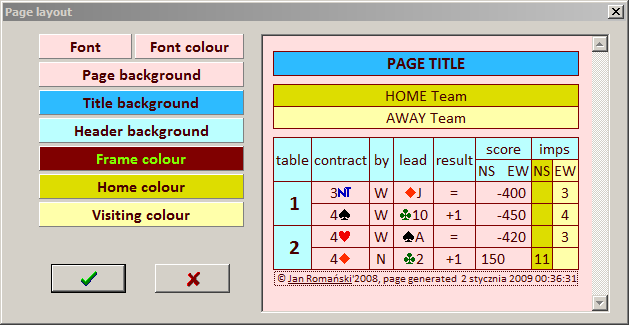
and set font and colours of your page.
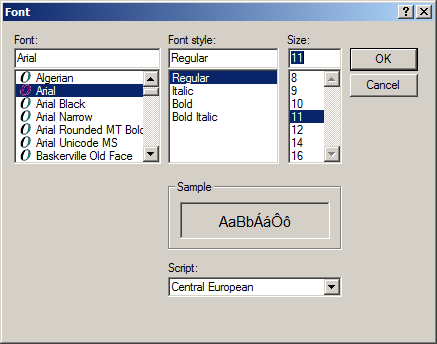
The FONT button will display the standard font selection dialog window and only font name and size will be used, style will be always Regular and script has no effect.
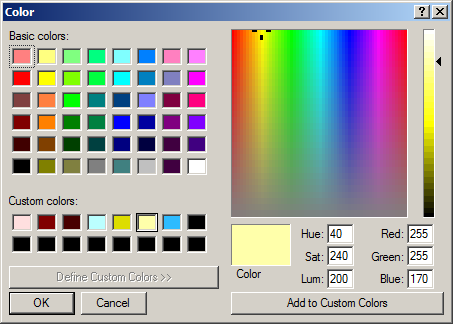
Other buttons will display standard color selection dialog window
All settings will be shown in the right panel of Page layout editor with sample page. Click on  button to cancel your changes. After pressing
  button your changes will be recorded in three places: