 Printing in Teamy
 Printing in Teamy
NOTE: behaviour as well as look and feel of windows presented below depends on the version of Internet Explorer installed.
Printing in Teamy is always started by pressing  or similiar button. This creates appropriate .html file and then popups customized Internet Explorer (IE from now on) window:
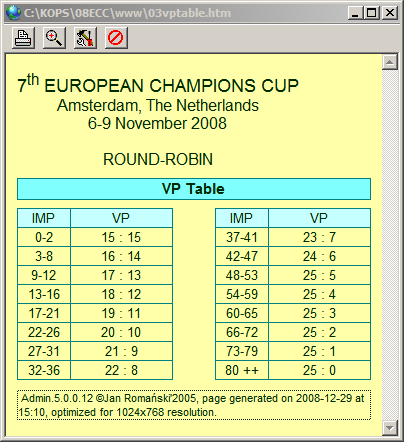
to print window's content on your default printer with default settings.
 to invoke Print Preview window:
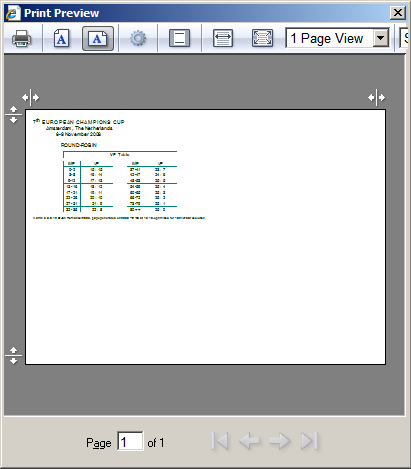
This will show how the printout will look on paper. You can change setting temporarily, for example Orientation as shown above or margins by dragging  and
and  icons. Clicking
  here will invoke standard print window, where you can change printer, set number of copies, select pages to print etc.
 to popup IE Page Setup:
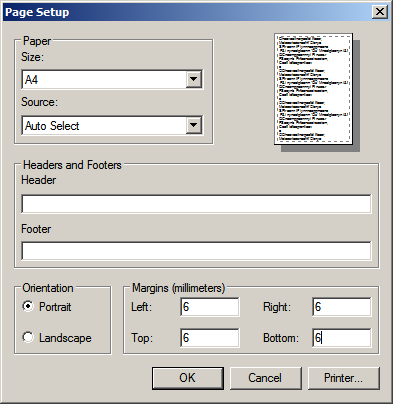
Changes made here will become the default printer settings for IE.